01
Pick a Template
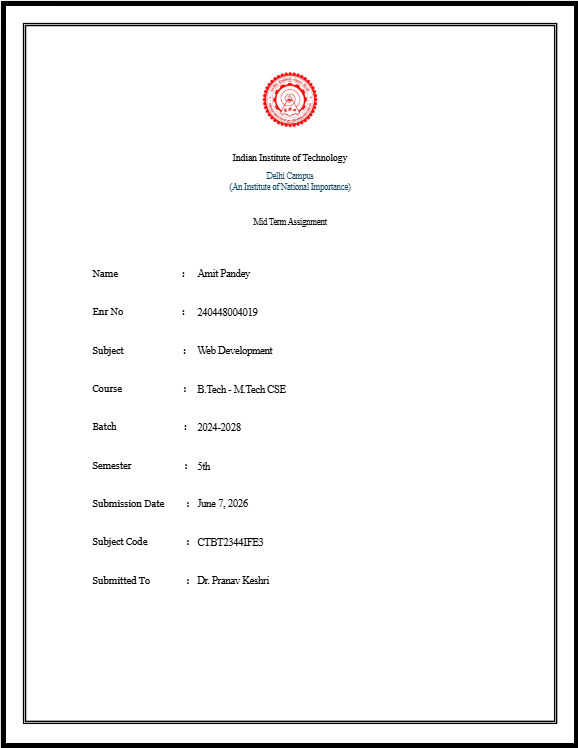
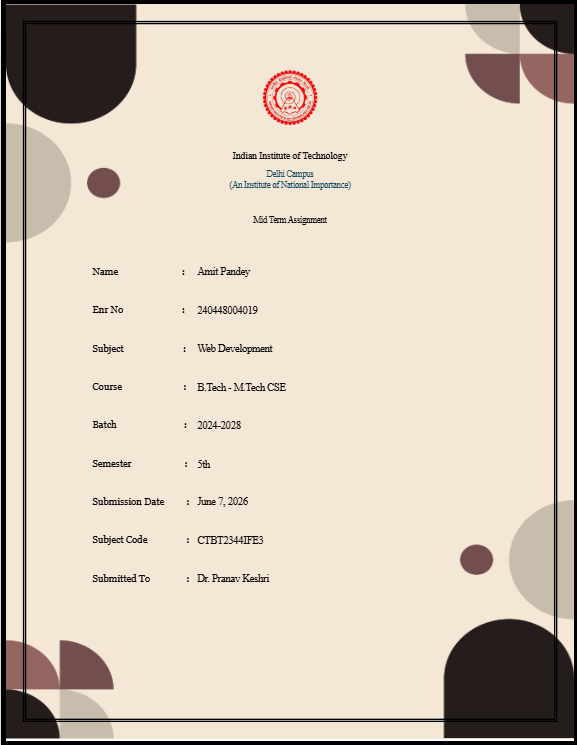
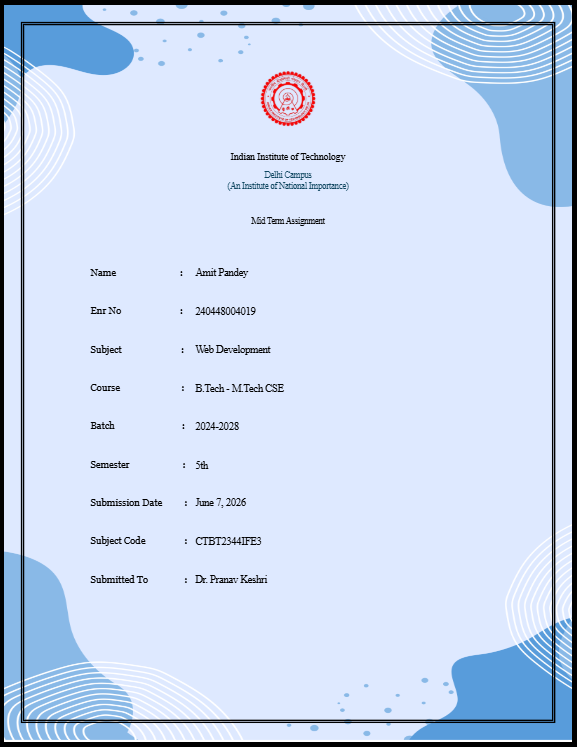
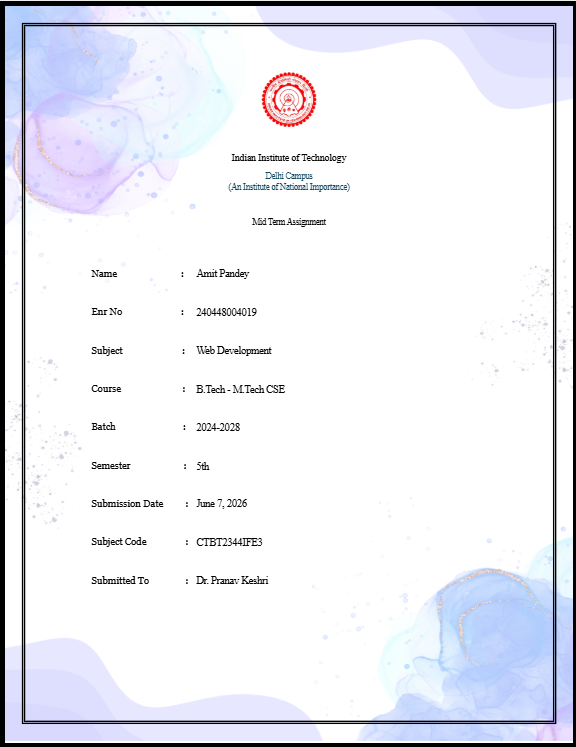
Browse 10+ professionally designed assignment cover page layouts. Each template automatically includes the official Bangalore University logo and institutional branding.

Free assignment cover page generator
Generate professional assignment cover pages for Bangalore University in seconds. Your college logo, name, and tagline are automatically pre-filled across all templates.

Bangalore University
A State University established by the Government of Karnataka
Creating a professional assignment front page for Bangalore University takes less than 60 seconds with CoverLe.
01
Browse 10+ professionally designed assignment cover page layouts. Each template automatically includes the official Bangalore University logo and institutional branding.
02
Enter your name, enrollment number, course, branch, semester, subject name, and faculty details. The live preview updates in real-time as you type.
03
Export a high-resolution, print-ready PDF in one click. No watermarks, no sign-up, no hidden fees. Your Bangalore University assignment front page is ready to submit.
Each template comes with the Bangalore University logo and branding pre-filled.
Bangalore University (Bangalore University) operates a massive academic ecosystem, often evaluating submissions from hundreds of affiliated colleges. In such a large-scale university system, external examiners and internal faculty rely heavily on standardized formatting to process grades efficiently. Submitting an assignment or project report without a perfectly structured cover page can lead to administrative errors, misplaced papers, or delayed grading.
This specialized assignment cover page tool for Bangalore University is designed to meet strict university-mandated formatting guidelines. It automatically includes the official Bangalore University logo and structures your university seat number (USN/PRN), college code, branch, and semester details with perfect alignment. Operating as "A State University established by the Government of Karnataka", the university requires absolute clarity in all student submissions.
When external evaluators review your practical files or final year project reports, the front page is their very first impression of your competence. A neat, standardized cover page demonstrates professionalism and attention to detail. Instead of struggling with formatting rules before your final submissions, use this generator to instantly create a high-quality, print-ready PDF. Secure your internal marks by presenting your academic hard work in the most organized and university-compliant format possible.
Stop wasting time on Word formatting. Generate a professional, print-ready assignment front page for Bangalore University in under 60 seconds.