01
Pick a Template
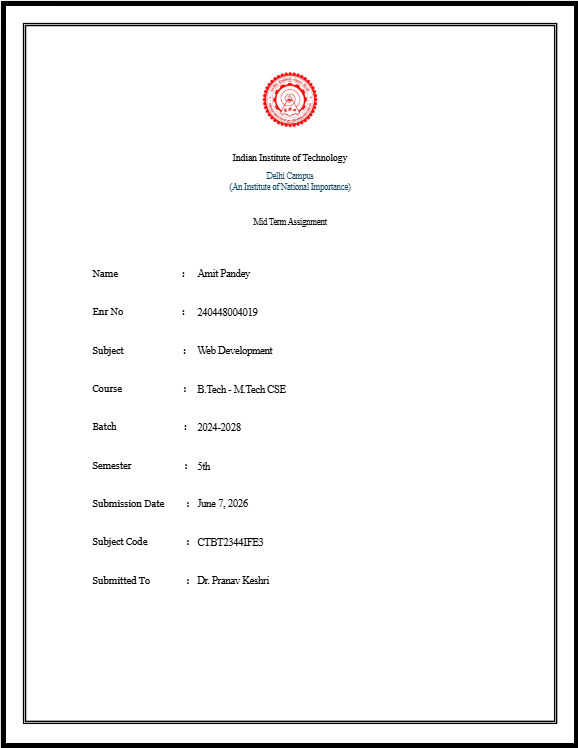
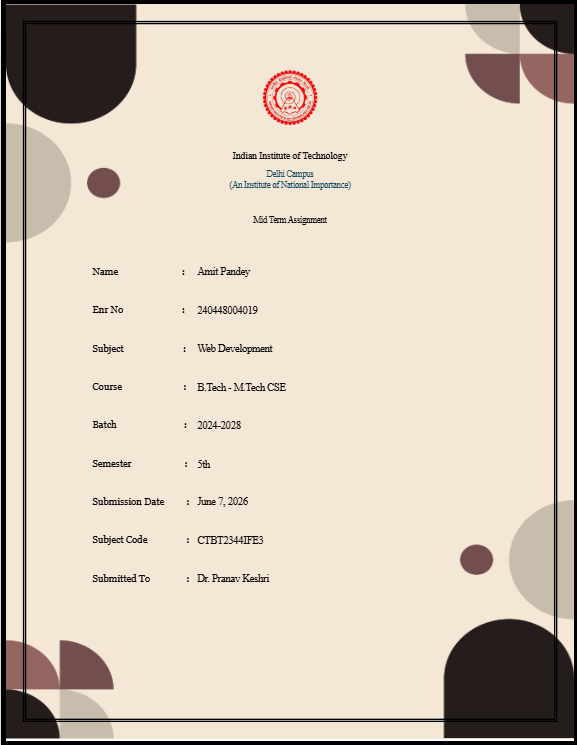
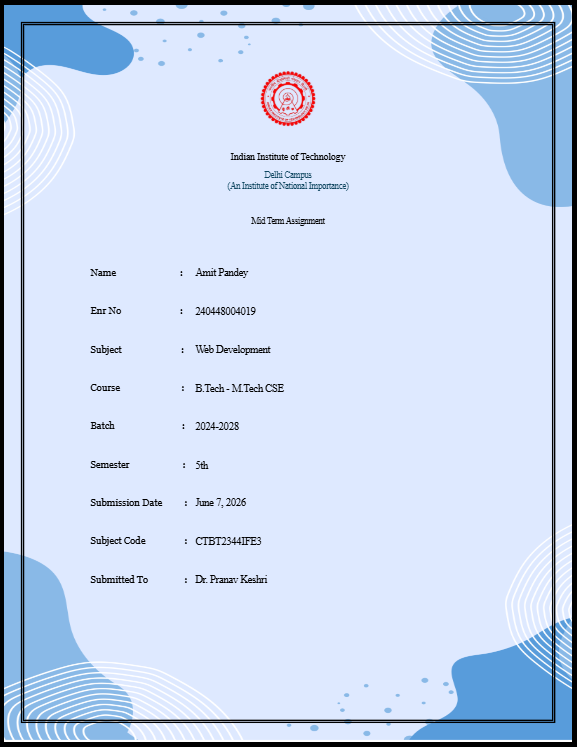
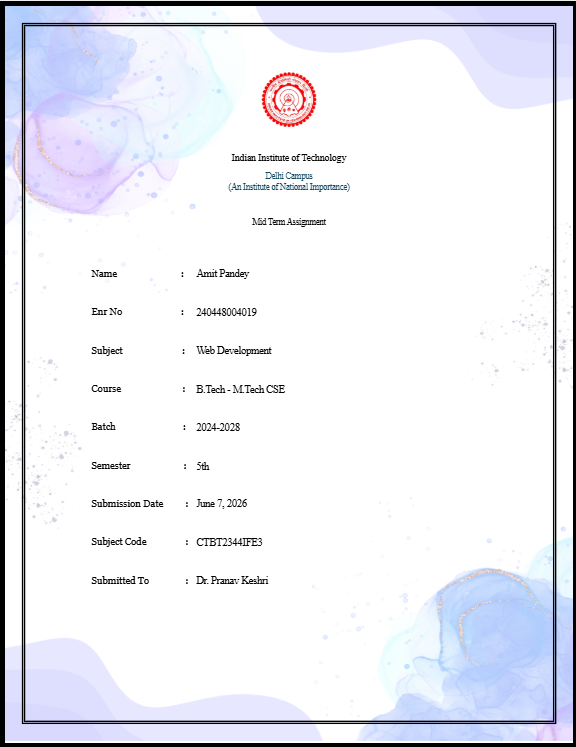
Browse 10+ professionally designed assignment cover page layouts. Each template automatically includes the official IIT Palakkad logo and institutional branding.

Free assignment cover page generator
Generate professional assignment cover pages for Indian Institute of Technology Palakkad in seconds. Your college logo, name, and tagline are automatically pre-filled across all templates.

Indian Institute of Technology Palakkad
An Institute of National Importance under the Institutes of Technology Act, 1961
Creating a professional assignment front page for Indian Institute of Technology Palakkad takes less than 60 seconds with CoverLe.
01
Browse 10+ professionally designed assignment cover page layouts. Each template automatically includes the official IIT Palakkad logo and institutional branding.
02
Enter your name, enrollment number, course, branch, semester, subject name, and faculty details. The live preview updates in real-time as you type.
03
Export a high-resolution, print-ready PDF in one click. No watermarks, no sign-up, no hidden fees. Your IIT Palakkad assignment front page is ready to submit.
Each template comes with the IIT Palakkad logo and branding pre-filled.
As an Institute of National Importance, Indian Institute of Technology Palakkad (IIT Palakkad) maintains exceptionally high standards for academic submissions. Whether you are submitting a B.Tech laboratory report, a complex M.Tech project synopsis, or a doctoral research paper, the presentation of your work is heavily scrutinized. Professors and teaching assistants at IIT Palakkad evaluate hundreds of technical submissions per semester. A clearly formatted assignment front page is not just a formality; it is critical for efficient grading and proper academic record-keeping.
Our specialized cover page generator for Indian Institute of Technology Palakkad ensures your document perfectly aligns with these rigorous institutional guidelines. The tool automatically integrates the official IIT Palakkad logo, appropriately scaled and centered, alongside essential academic metadata such as your roll number, specific course code, department, and the current academic session. Reflecting its status as "An Institute of National Importance under the Institutes of Technology Act, 1961", your cover page must look impeccably professional.
By adopting a standardized format, you completely eliminate the risk of omitting vital administrative details that could result in misplaced assignments or lost marks. Furthermore, the clean, structured typography layout reflects the technical precision and discipline expected of an IITian. Instead of wasting valuable hours manually adjusting MS Word margins or hunting for transparent PNG logos before a midnight Moodle deadline, you can generate a print-ready, officially compliant PDF cover page instantly. Focus your energy on the actual technical research, mathematical proofs, and code within your assignment, and let CoverLe handle the presentation.
Stop wasting time on Word formatting. Generate a professional, print-ready assignment front page for Indian Institute of Technology Palakkad in under 60 seconds.