01
Pick a Template
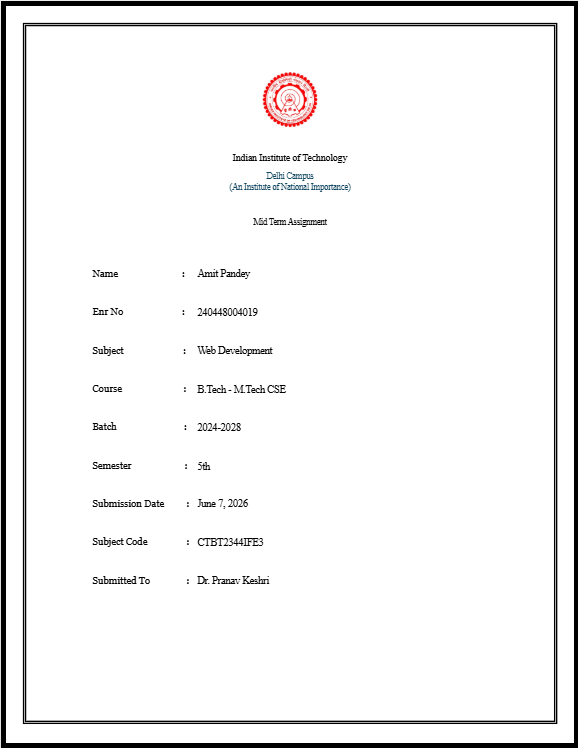
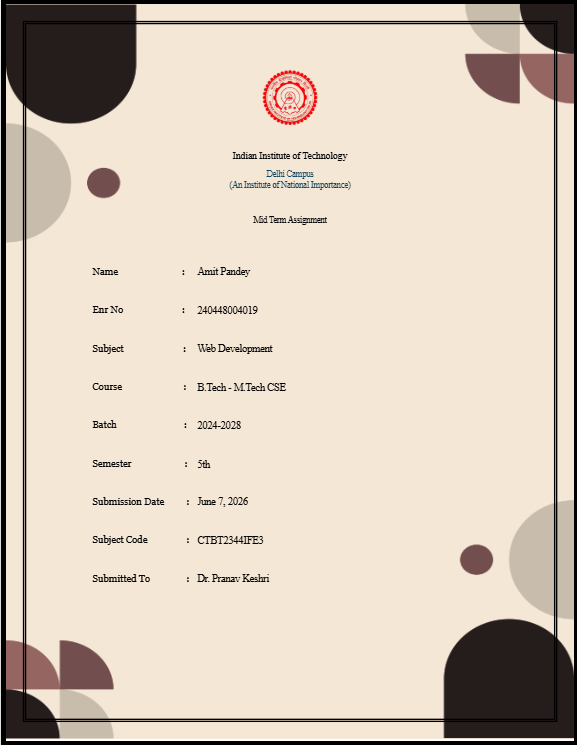
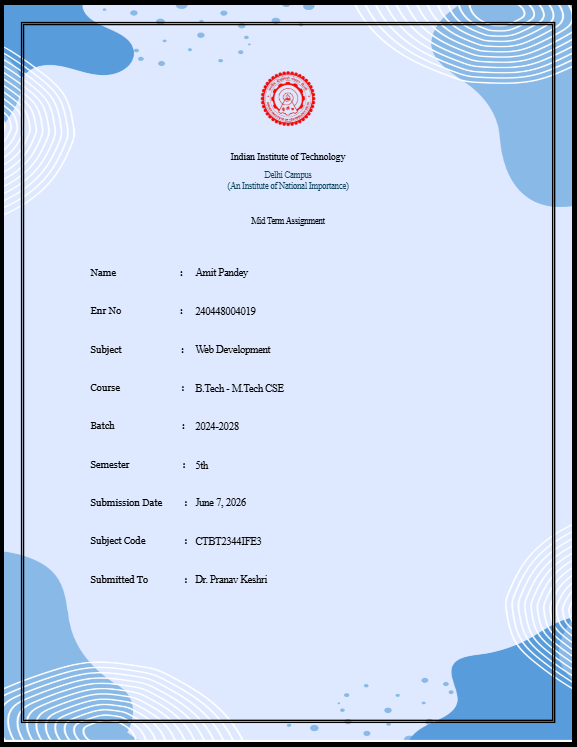
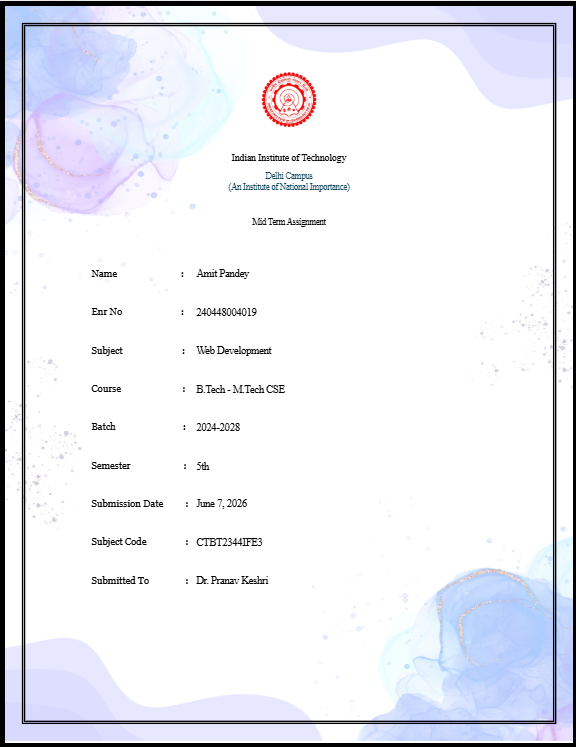
Browse 10+ professionally designed assignment cover page layouts. Each template automatically includes the official SVPCET logo and institutional branding.

Free assignment cover page generator
Generate professional assignment cover pages for St. Vincent Pallotti College of Engineering & Technology in seconds. Your college logo, name, and tagline are automatically pre-filled across all templates.

St. Vincent Pallotti College of Engineering & Technology
Nagpur, Maharashtra
Creating a professional assignment front page for St. Vincent Pallotti College of Engineering & Technology takes less than 60 seconds with CoverLe.
01
Browse 10+ professionally designed assignment cover page layouts. Each template automatically includes the official SVPCET logo and institutional branding.
02
Enter your name, enrollment number, course, branch, semester, subject name, and faculty details. The live preview updates in real-time as you type.
03
Export a high-resolution, print-ready PDF in one click. No watermarks, no sign-up, no hidden fees. Your SVPCET assignment front page is ready to submit.
Each template comes with the SVPCET logo and branding pre-filled.
At St. Vincent Pallotti College of Engineering & Technology (SVPCET), the academic curriculum is fast-paced, highly competitive, and strictly evaluated. With a strong emphasis on continuous internal evaluation (CIE), students are required to submit numerous assignments, case studies, and lab reports throughout the semester. Faculty members expect these submissions to reflect a high degree of professionalism, mirroring corporate and industry standards.
Our intelligent assignment front page generator for St. Vincent Pallotti College of Engineering & Technology is crafted to help you meet these elevated expectations effortlessly. The tool automatically integrates your university's official logo and cleanly formats your crucial metadata—such as your registration number, specific program, section, and faculty guide details. Guided by the principle of "Nagpur, Maharashtra", the institution expects excellence in every aspect of student life.
In a competitive grading environment, presentation matters just as much as content. A poorly formatted document can distract from the quality of your research. By using this tool, you guarantee a polished, standardized look for every single submission. Forget the hassle of manual alignment in word processors; generate a pristine, high-resolution PDF cover page instantly. Elevate the presentation of your academic work and ensure you always leave a strong, professional impression on your evaluators.
Stop wasting time on Word formatting. Generate a professional, print-ready assignment front page for St. Vincent Pallotti College of Engineering & Technology in under 60 seconds.